Request access for your company.
We open accounts one company at a time. Write to hello@instibrain.ai with your company's name and the AI your team uses. We set up the account and mail its first owner a sign-in link.
Have an account already? Connect Claude Code.
From one mail to a team whose AI knows the company.
The owner invites the team. Each person links a computer, and the installer connects Claude Code.
- step 1
You write to us
Your company, and the AI your team uses.
hello@instibrain.ai - step 2
We set up the account
Its first owner gets a sign-in link.
the link works seven days - step 3
The owner invites the team
By email, from People, with the spaces each person reads.
in the cockpit - step 4
Each person links a computer
One installer, then a code from Devices.
Mac, Windows, Linux - step 5
Claude Code reads the brain
It reads the team's pages before it answers.
set up by the installer
Your team, its spaces, and every AI it connects.
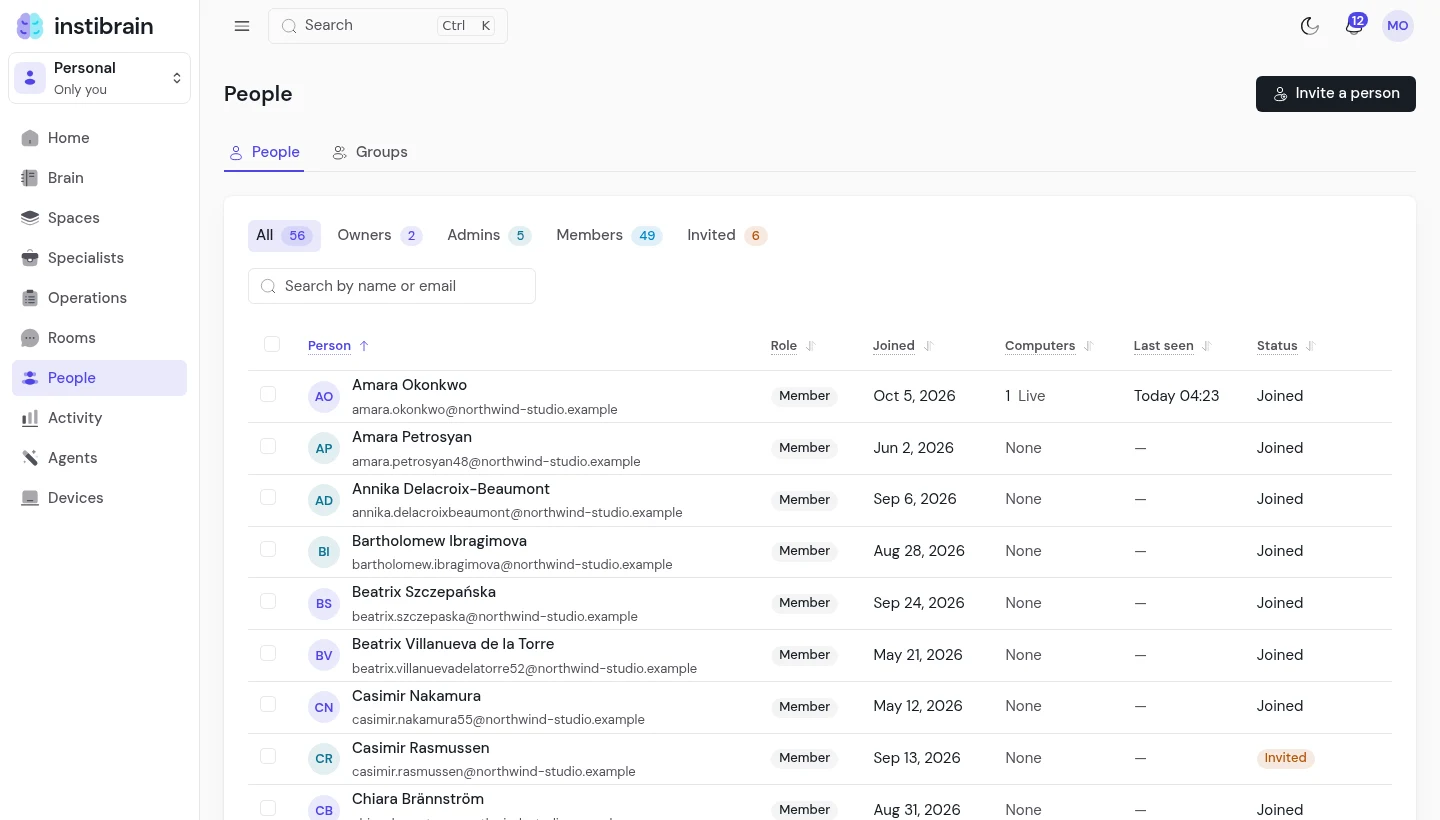
The owner sees who joined, who is still invited, and each person's computers.
Each person has a Personal space their AIs read, and a Sealed one only their computers open. Team spaces are as many as the work needs, each shared with its own people.
Claude Code, Codex, and Claude on the web and the phone read the brain at one address. On the web and the phone, Claude reads open spaces; a sealed space opens only on a computer that holds its key.
Read what we store before you write.
Each page names what we can read and what we cannot.