Read and fix what your AIs read, in the browser.
The cockpit shows every space you read as folders and pages. Open a page, click Edit, change the markdown, and every AI reads the fix at its next read.
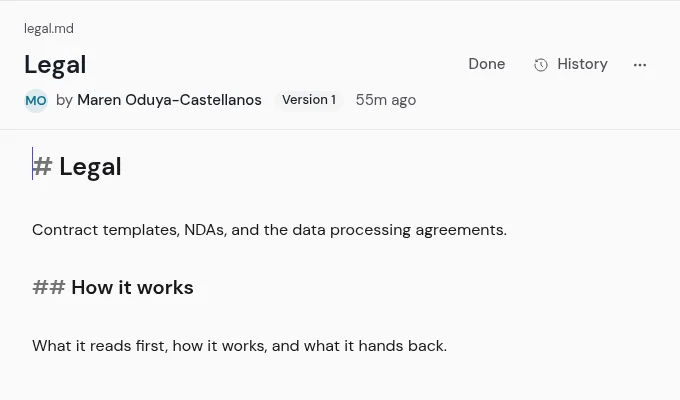
Click Edit, change the markdown, and save.
The file keeps every byte you wrote. If someone saved a newer version meanwhile, you keep yours, take theirs, or merge the two.
You edit the markdown itself, and Done saves it.
Its author and version stay above the text. A dotted link makes the missing page, and nothing runs inside a page: a script is stripped, and an image from another site becomes a link. The cockpit is light or dark: your system's choice, until you pick one.
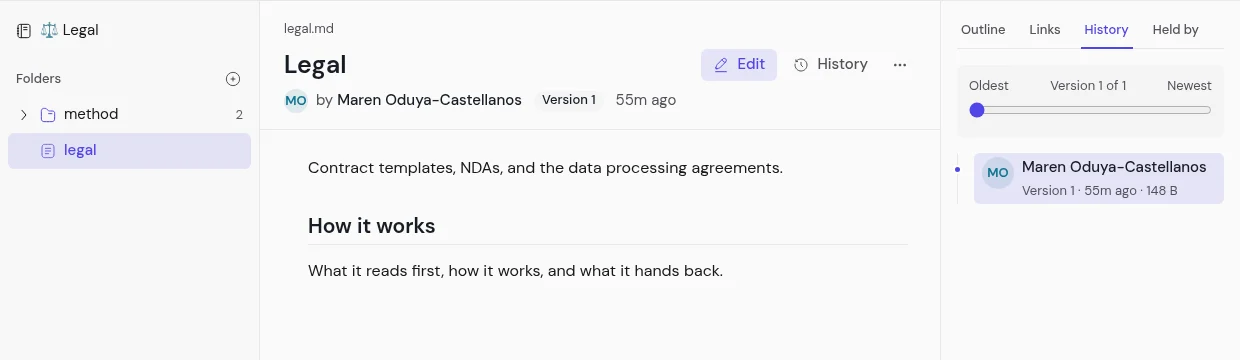
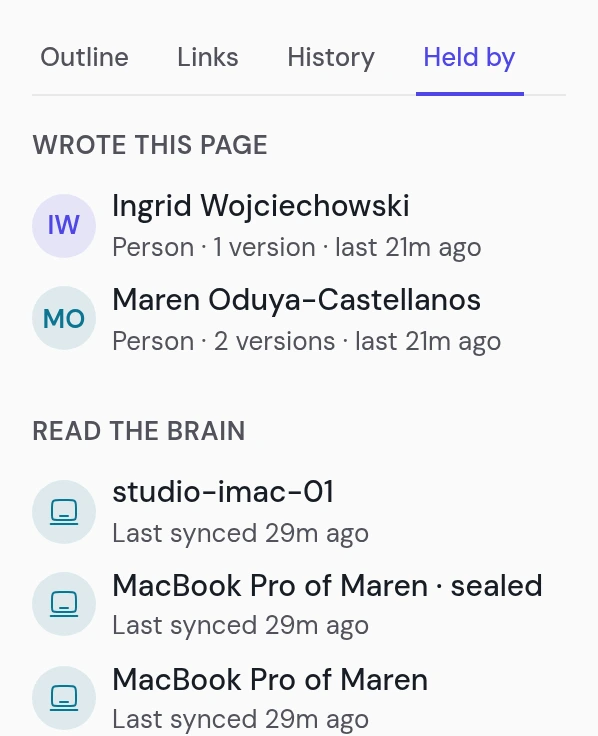
Every version names who wrote it: a person, a computer, an AI, or an agent.
Slide back through the versions and bring one back; the restore waits for a review. A space's managers read its old versions, and anyone else needs the owner's grant.
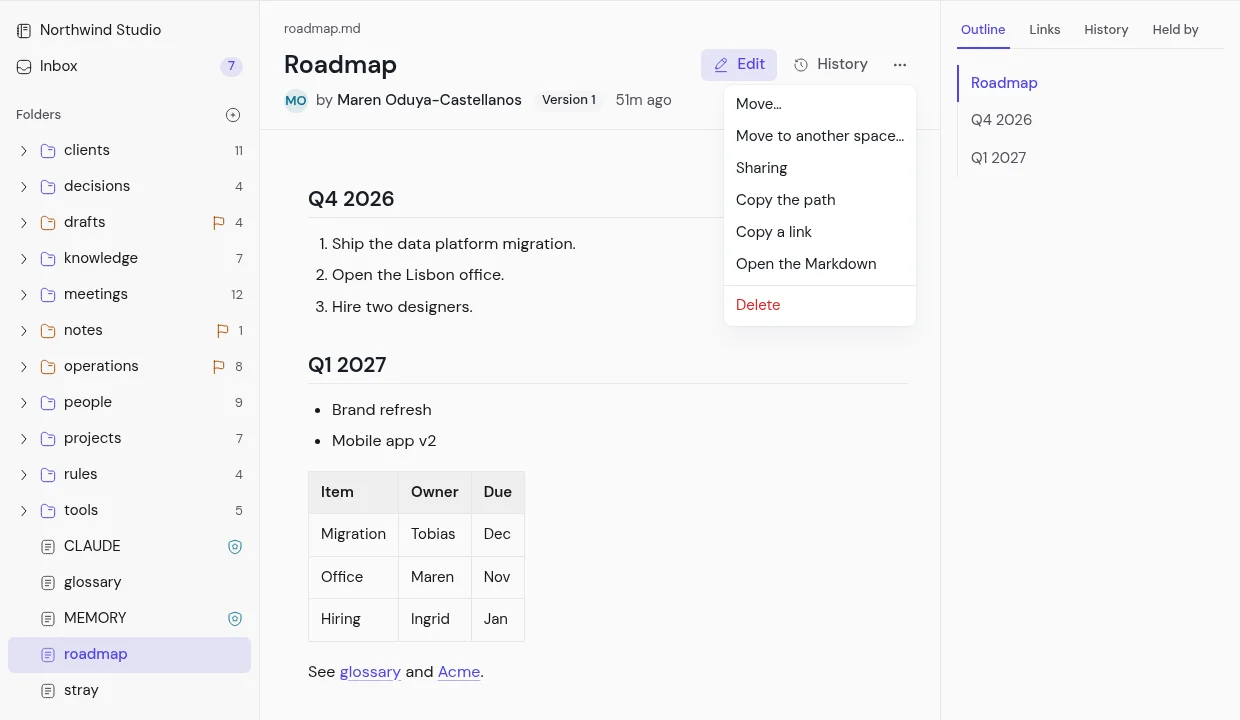
Move or rename a page, and every link to it follows.
The page keeps its history. Moving it to another space shows first what everyone there would read.
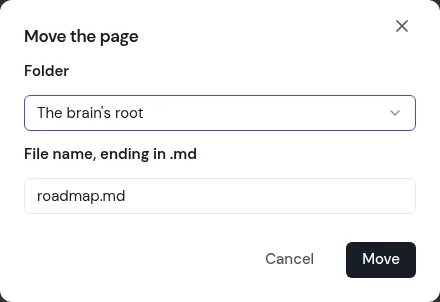
Pick the folder, and the page moves there.
Its links follow it. ⌘K finds any page by its title, then by its text, then a cockpit page or an action.
The browser, your folder, and every AI read the same page.
Fix it in one place, and the others read the fix. On your computer it is a plain file in any editor; Claude Code, Codex, and Claude read it, on your phone too. A sealed space opens only on your computers; the browser holds no key.
When your AI gets it wrong, fix the page, not the answer.
Every AI on the team reads the fix from then on.