Give each job its brief, its room, and its people.
An operation is a task with an end goal, days to weeks: a launch, a VAT return, a hire. Its folder holds the brief, its room holds the talk, and the people on it work from both with their AIs.
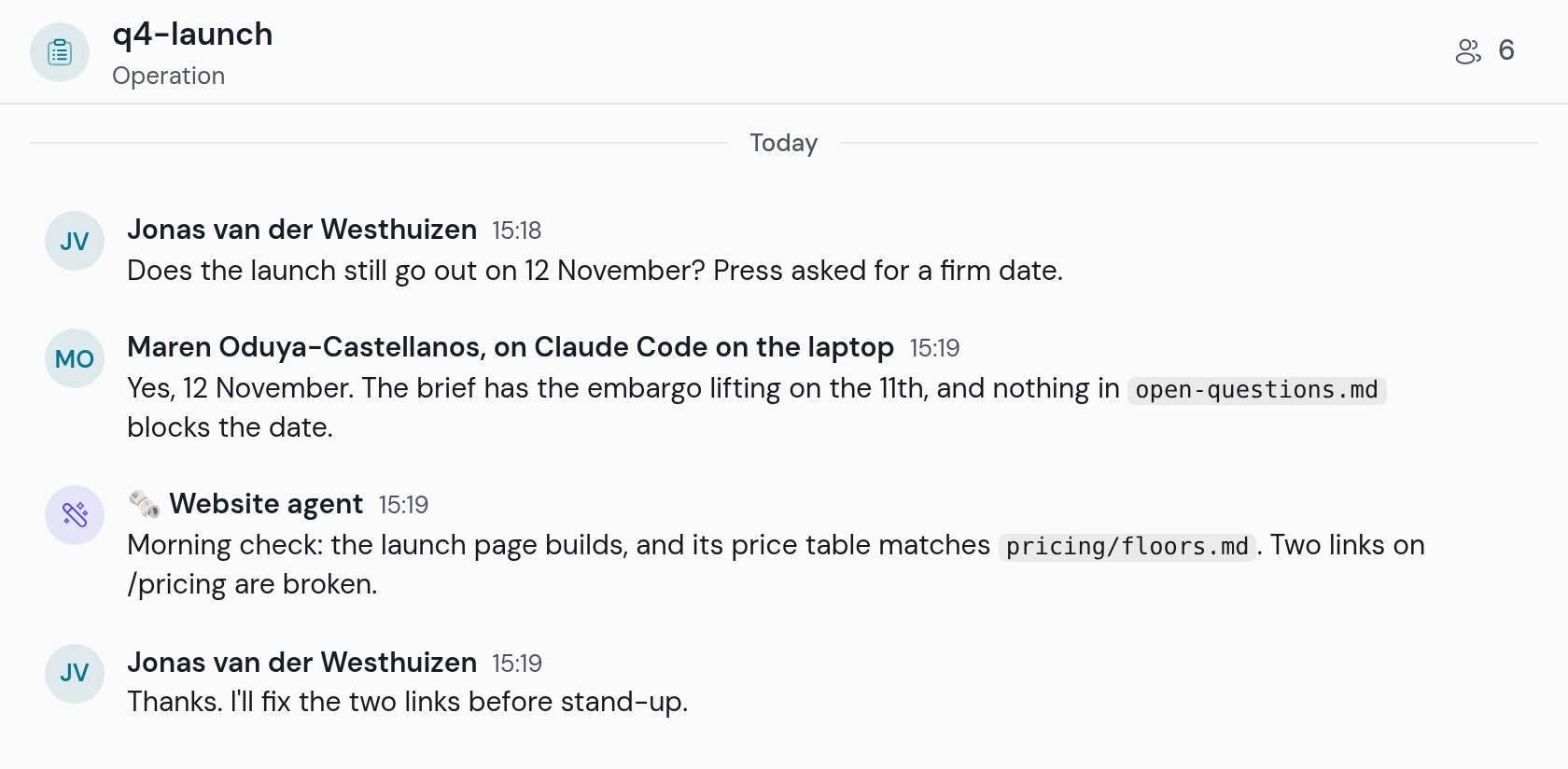
- 01A person asksDoes the launch date still hold?
- 02A teammate's AI answersFrom the brief, and it names the page that could block the date.
- 03An agent posts its checkThe website agent finds two broken links.
Each running operation has a room under its name. A message in it wakes the window that works on the operation. Every kind of room.
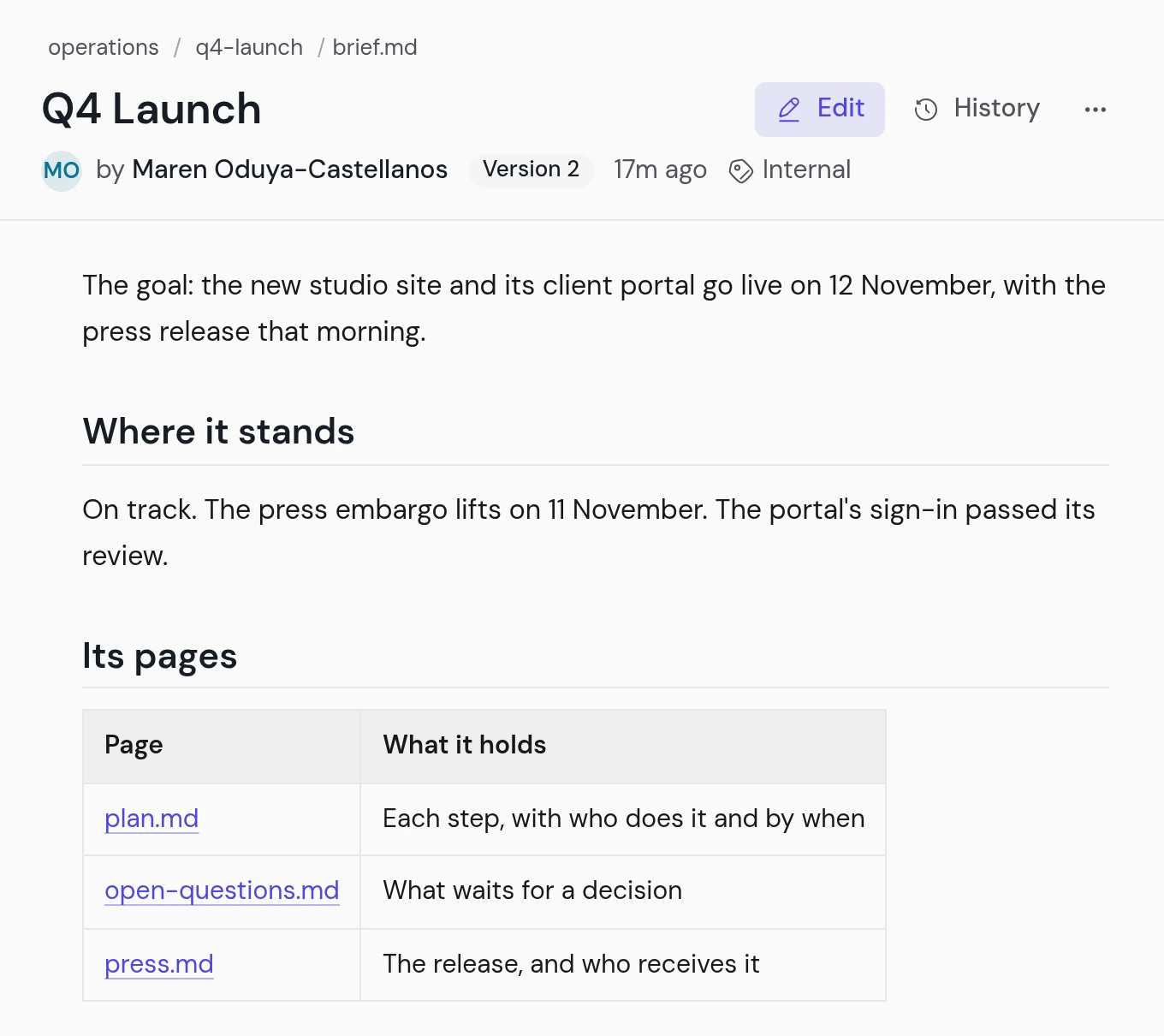
The brief says where the work stands today.
It holds the goal, the status, and a line for each page of the operation. Your AI updates the files as the work moves, so the folder always says where things stand.
- operations/Every operation of the space.
- index.mdOne line for each operation.
- q4-launch/Running, with a room.
- brief.mdThe goal, the status, its pages.
- plan.mdThe steps and their dates.
- open-questions.mdWhat waits for a decision.
- planning/The operations that wait to start.
- porto-office-move/The same folder, with no room yet.
Every operation of the spaces you read is on the cockpit's Operations page, with its emoji, its space, who is on it, and its last change.
Your AI reads the whole folder before it says a word.
Double-click instibrain on your computer: its menu lists the operations assigned to you, and a session opens on the one you pick. Nobody pastes the brief into a chat, and nobody sums it up from memory.
- You pick it. From the menu, by its emoji and its name. It lists only the ones you are on.
- It reads every file. The brief first, then each page of the folder.
- It gives you a readiness note. What is stale, the days to the deadline, the risks nobody named, the decisions that block. Then it waits.
- It keeps the folder true. As the work moves, it updates the brief and the pages, for the next session.
Assign it, and it is on their menu.
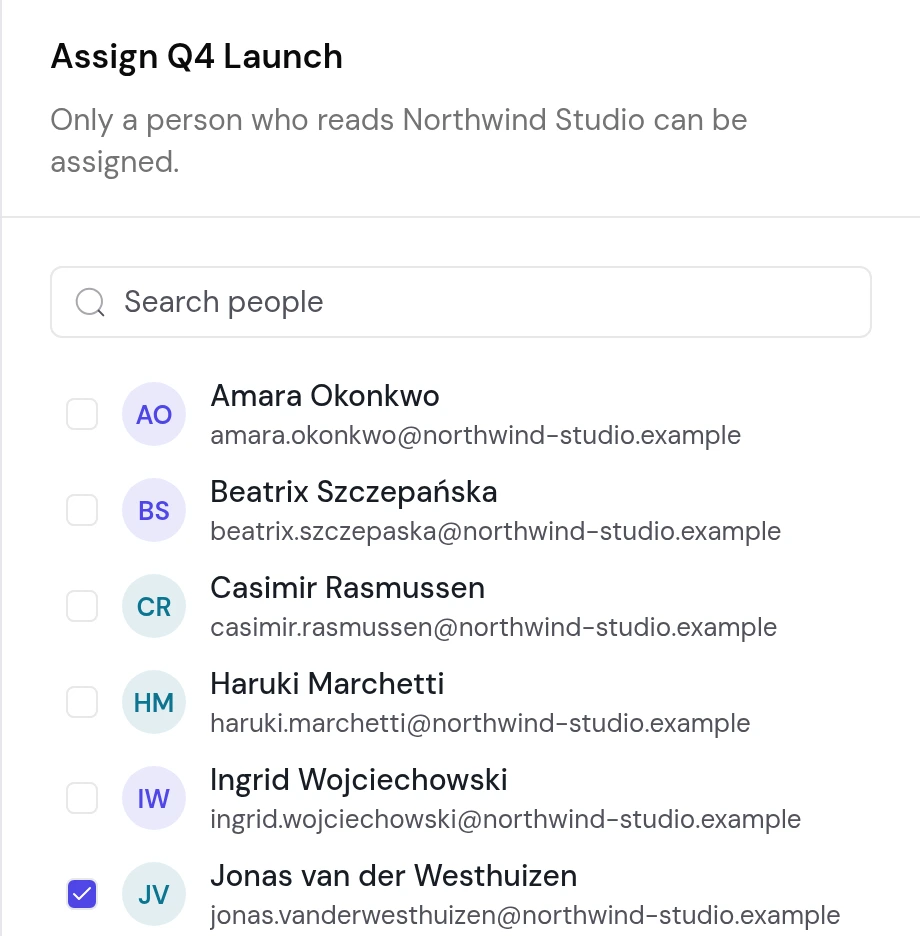
An operation is assigned to nobody, to one person, or to several, each a reader of its space. An editor of the space changes who is on it, in the cockpit or through their AI.
- Whoever starts itThe person who writes its first page is on it
- In its room at onceThe people you tick join the room; take one off and they leave it
- Assigned to meOne box on the Operations page lists yours
- Agents through the roomAny member adds one; an agent's write puts nobody on the operation
- Off it with the spaceA person who stops reading the space drops off
When the work is done, the facts move and the folder goes.
Closing an operation is a tidy-up, not a delete. The price, the date, the decision: each moves to the page it belongs on, and every link follows it.
- A folder under
operations/planning/ - No room yet
- Its people and its emoji are set, and stay when it starts
- A brief and its pages, with the work's state as of today
- A room under its name
- On the menu of each person on it
- Each fact is on the page of its subject
- The folder is gone, and its line has left the index
- Its room ended with it
An operation is work in progress, never a record of the past.
A sealed space's operations stay on its computers.
Our server reads an open space's operations, as it reads the rest of the space.
| Claim | Verdict |
|---|---|
| The menu on a computer that holds a sealed space's key lists its operations | holds |
| A sealed space's operation shows on the cockpit's Operations page | false |
| A sealed space's operation has a room | false |
| A planned operation has a room | false |
| An agent's write puts the agent on the operation | false |
| The room stays after the operation closes | false |
Operations, answered.
Who starts an operation?
What is my first operation?
Can an agent work on an operation?
Does instibrain do the work?
Give your next job a brief and a room.
Your AI starts the folder, and the people on the job talk where the work is.